Updated 2026-08-20
The Best Accessories to Start Creating Content in 2026
Every year, more creators start out with a phone or a pocket camera and a pile of accessories they didn't actually need. The truth is you can build a solid kit for well under $150 if you buy the right three or four pieces in the right order — instead of the ten pieces an algorithm decided to show you.
This guide walks through what to buy first, second, and third — mounting, then audio, then lighting — and links out to full reviews and a side-by-side comparator so you can check the exact numbers before you buy. If you'd rather answer two questions and get a full kit picked for you, try the kit builder instead.
How we evaluate creator accessories
We weigh five things for every accessory we review: build quality (does it survive daily use), versatility (how many other accessories it can pair with), portability (does it actually leave the house with you), price-to-value, and what real owners report after weeks of use — not just the first-impression reviews.
Every rating breakdown and pros/cons list on this site is built from the product's public specifications plus a synthesis of verified buyer reviews — never from a single first impression.
Step 1: a mount you can trust — our pick
Before you spend on a microphone or a light, solve mounting. A shaky or slow-to-attach mount is the fastest way to miss a shot, and it's the accessory you'll touch every single time you film.
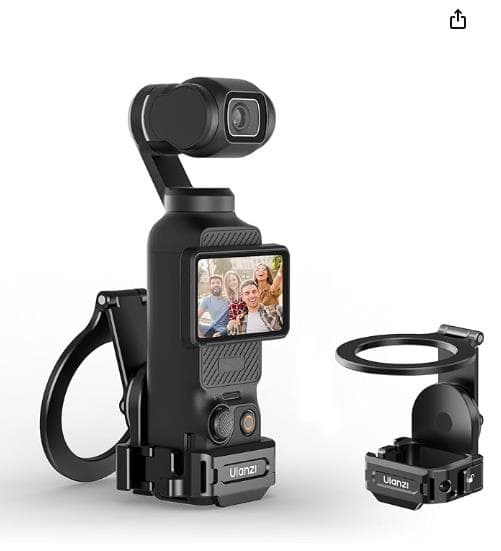
For DJI Osmo Pocket and MagSafe iPhone setups, the ULANZI PM01 is our current pick: a folding magnetic adapter that snaps on in about two seconds, holds up to 500 g, and doubles as a desk stand when folded flat. It also adds a cold shoe and ARRI hole, so a mic or light can ride alongside it once you're ready to add one.
Step 2: audio — the upgrade viewers actually notice
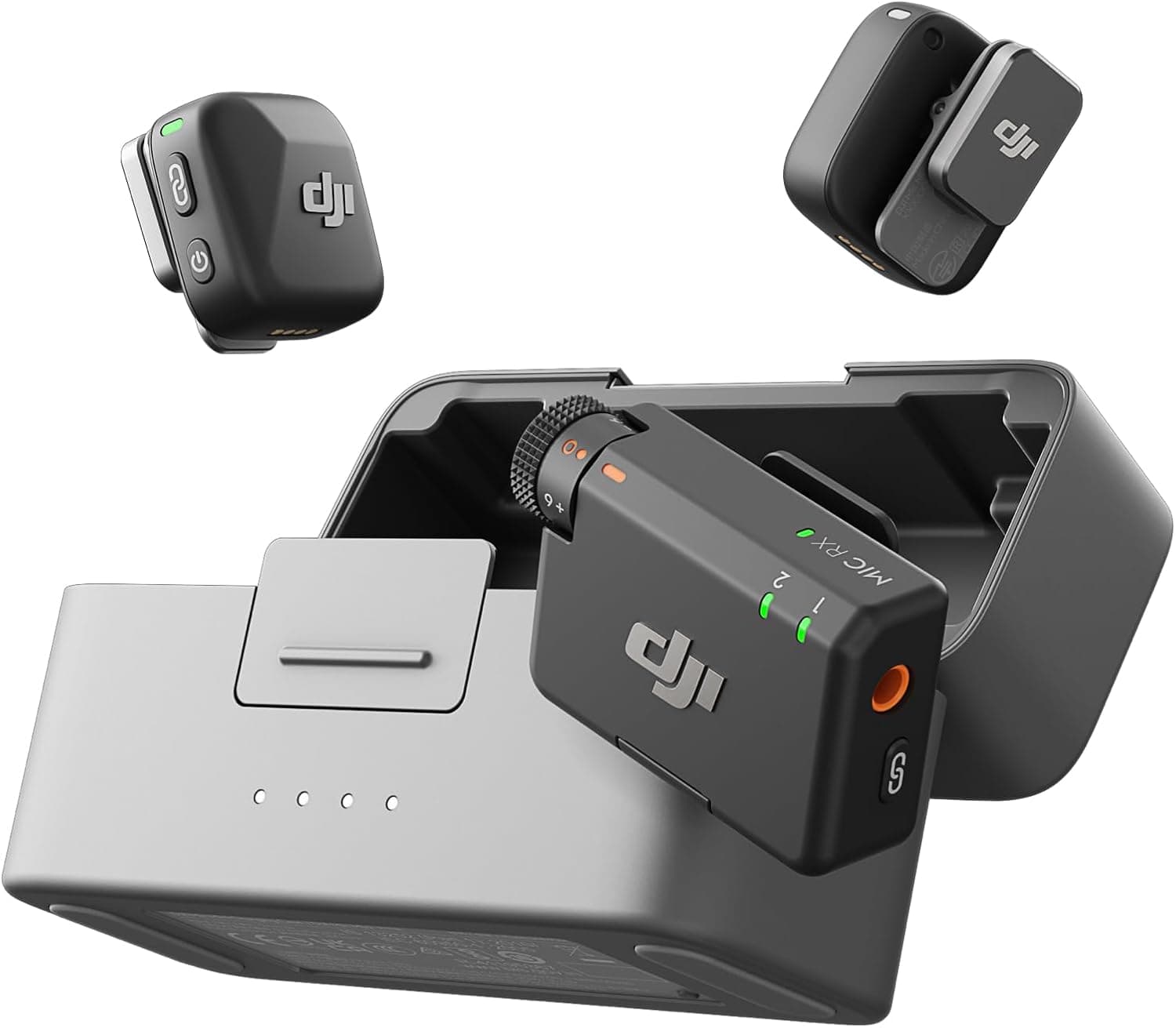
Viewers forgive soft video far more easily than they forgive bad audio. If you're filming while moving — vlogging, interviews, walk-and-talks — the DJI Mic Mini is our pick: two ultralight wireless transmitters, strong two-level noise cancellation, and a charging case that stretches battery life to 48 hours.
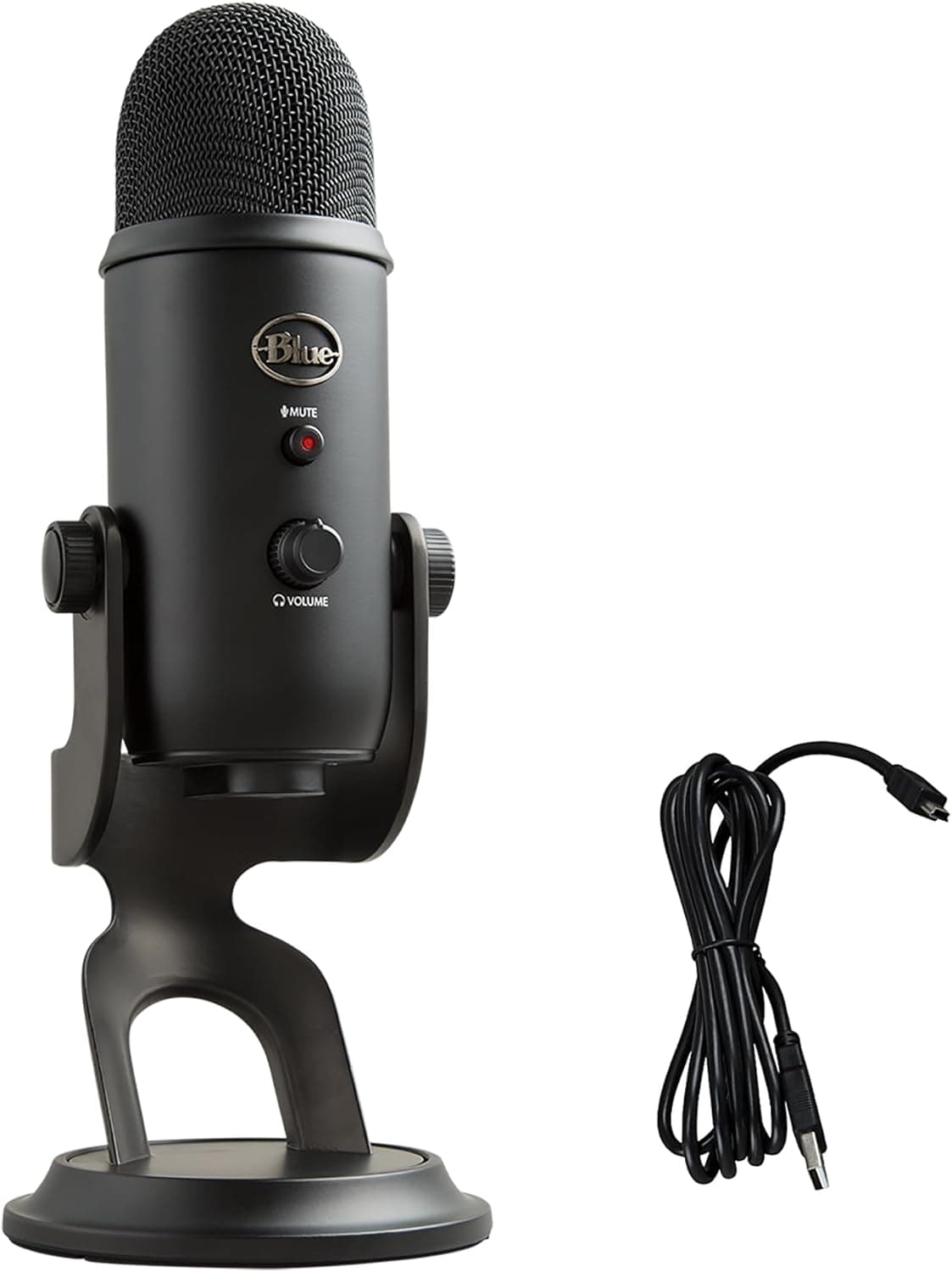
If you're recording from a desk instead — podcasting, streaming, voiceover — the Blue Yeti USB Condenser is the safer bet. It's the microphone that defined the category, with four pickup patterns and onboard gain and mute controls, and it needs nothing more than a USB port to sound broadcast-ready.
Step 3: lighting — buy it once you know your setup
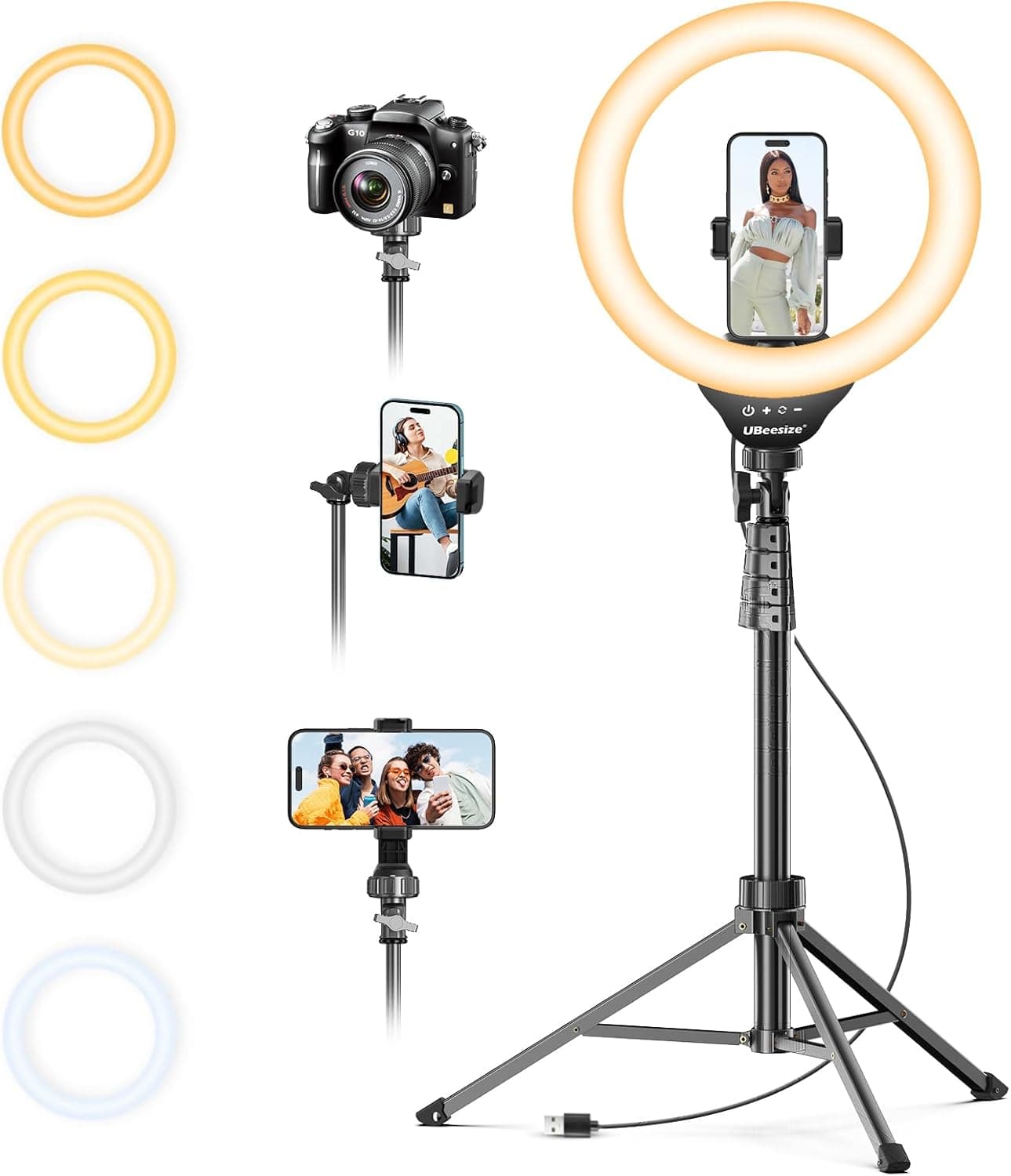
Lighting is the accessory people over-buy first and under-use later, because the right pick depends entirely on where you actually film. For a desk or portrait setup, the UBeesize ring light on its 62-inch tripod covers both sitting and standing shots with even, flattering light across five color temperatures.
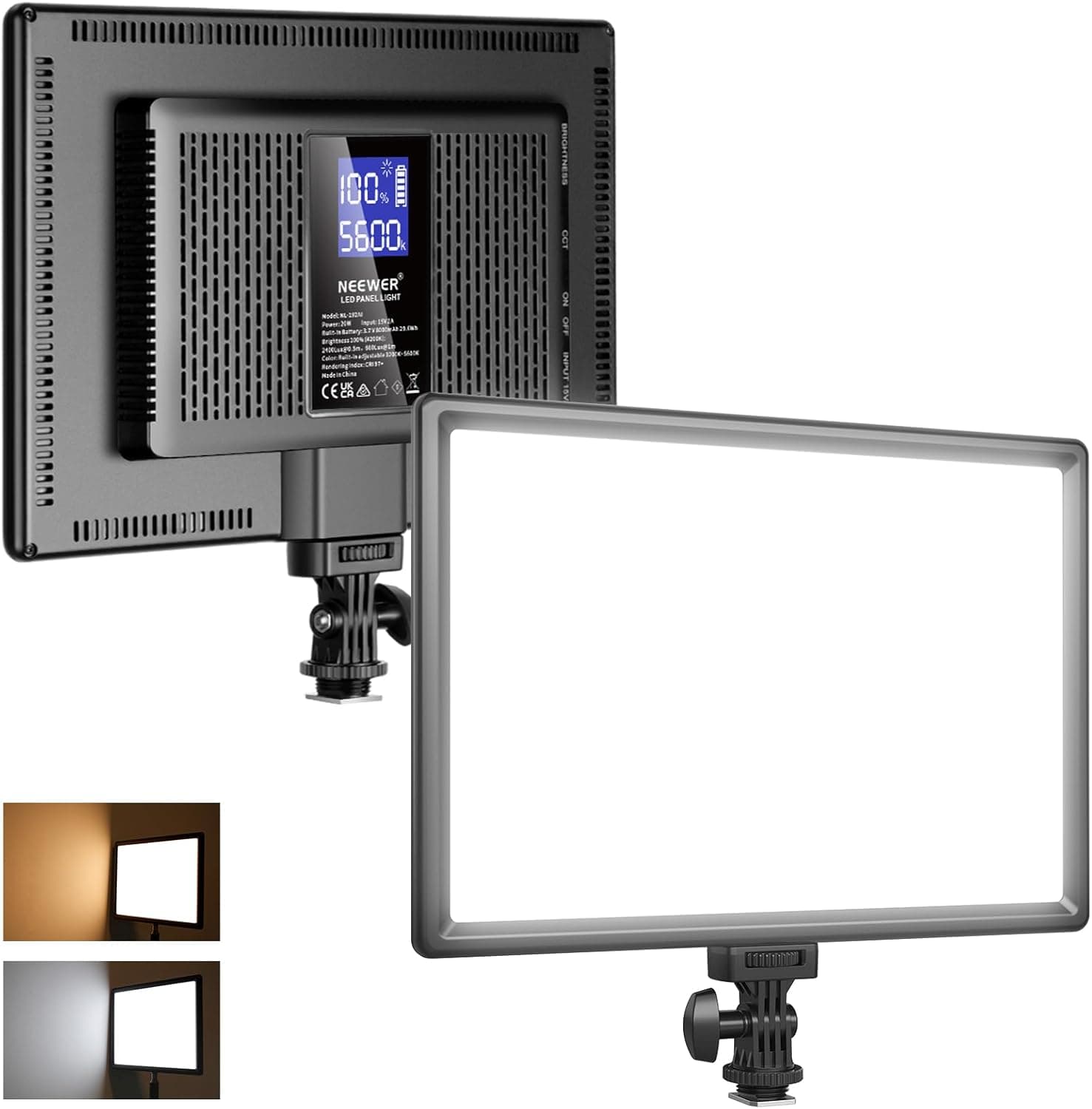
If you need something that travels in a bag and still looks studio-accurate, the Neewer 192 LED panel is worth the step up — CRI 97+ color accuracy, a built-in battery, and a thin profile that mounts on top of any camera or stand.
Use the comparator before you buy
Once you've narrowed a category down to two or three options, our comparator puts their specs and ratings side by side with overlaid charts, so you can see the actual trade-offs — price, load capacity, compatibility — instead of relying on marketing copy.
Start with a mount that disappears into your routine, add audio next since it's what viewers actually notice, and let lighting be the accessory you buy once you already know your setup. We'll keep this guide updated as new gear passes our testing.